
Per-educator pricing adds up fast when every teacher needs to send, so schools and PTAs are moving to newsletter tools with simpler pricing and real human support.
 by Ozlem Yildirimer · Last updated: 2026-10-03
The best Smore alternatives for schools send a designed newsletter straight to parents’ inboxes and show who opened it. GroupMail suits simple PTA lists, MailerLite and Mailchimp add automation, Constant Contact suits larger groups, and Mailsoftly fits schools and PTA councils that want unlimited users included and human support.
Smore is a flyer and newsletter builder that many teachers love for its drag and drop pages. The friction shows up later: pages live on the Smore domain rather than landing in every parent’s inbox, open tracking is thin, and the price climbs once every educator in a building needs an account. If your goal is a designed email that reaches guardians and tells you who read it, a dedicated email tool usually does the job for less.
This guide compares five school newsletter tools on price, free plans, support, and the kind of group each one fits, so a PTA volunteer, a front office, or a district communications lead can pick the right swap.
Comparing options? See our full roundup of the best email marketing services for the complete picture.
Quick context: Mailsoftly offers transparent pricing, free hands-on migration, and human support. 500 contacts and 2,000 emails per month, no credit card.
Start free with Mailsoftly →
Key Takeaways
Schools leave Smore for three reasons: price per educator, list size, and ownership of the parent list. Smore prices around individual educator and school accounts, so the cost grows with every teacher who needs to publish rather than with the number of families you reach.
The second reason is reach. A Smore page is a hosted link that families have to click to open. A newsletter tool delivers the designed message into the inbox itself, where parents already read district notices. That difference matters when you want guardians to actually see the early release date or the fundraiser deadline. Email remains the channel parents check most, and the email marketing benchmarks HubSpot publishes show inbox open rates that hosted-page views rarely match for routine school updates.
The third reason is control. A district wants its parent list to belong to the district, exportable and portable, not locked inside a flyer platform. Dedicated email tools store contacts you own, segment by grade or classroom, and report opens and clicks per send.
Read enough? Try Mailsoftly free with 500 contacts and 2,000 emails per month, no credit card.Start free with Mailsoftly →
The five tools below cover the common school and PTA needs, from a volunteer sending one newsletter a month to a district running multiple schools. All prices are verified as of 2026-10-18, taken from each vendor’s own pricing page and shown at the lowest paid tier that fits a typical parent list.
| Platform | Starting price | Free plan | Support | Best for |
|---|---|---|---|---|
| GroupMail | One-time desktop license | Free edition | Email and forum | Simple PTA lists sent from one computer |
| MailerLite | Free plan; paid tiers on vendor page | Yes | Chat and email | Small schools wanting light automation |
| Mailchimp | Free; from $13/mo at 500 contacts | Yes (250 contacts) | Email and chat (limited on free) | Schools already standardized on Mailchimp |
| Constant Contact | From $12/mo at 500 contacts | No (free trial) | Phone and chat | Larger groups and districts |
| Mailsoftly | Free; from $15/mo annual at 1,000 contacts | Yes (500 contacts) | Human support on every plan | Schools and PTA councils wanting unlimited users |
One point to credit Smore honestly: it offers built in translation for newsletters, which helps schools reach multilingual families. Most of the alternatives handle translation by sending language variants or using a translated template rather than an automatic toggle, so if one click translation is the deciding feature, weigh that against price and inbox delivery. For Mailsoftly, the features listed above reflect what is published on the Mailsoftly features page: contact lists you own, segmentation, open and click tracking, scheduled sends, and automation on paid plans.
Match the tool to the size and structure of the group, not the longest feature list. Here is the short version by use case.
The per user question is where districts feel the pinch. Tools that charge per seat get expensive when every room parent and office manager needs access. Mailsoftly includes unlimited users on its paid plans, so a council can add every school’s communications lead without the bill changing.
Export your audience from Smore as a CSV, then import it into the new tool and send a short reintroduction so parents expect the change. Smore lets you export your subscriber list, and every alternative here accepts a CSV upload with name and email columns.
Clean the file before you import. Remove duplicate addresses, drop obvious typos, and split one list into grade or classroom segments if you plan to send targeted updates. A tidy list protects your sender reputation and keeps school mail out of spam folders, which is the whole point of switching to inbox delivery. If the export looks messy or you are merging several school lists into a council list, Mailsoftly offers free hands-on migration for school and PTA lists, where the team imports and segments the file for you.
Send a first email that names the school, explains that newsletters now arrive by email, and invites parents to add your address to contacts. That one message lifts the opens on everything that follows.
Most tools start free or in the low double digits per month, and climb with list size. All figures here are current as of 2026-10-18. Mailchimp begins free for 250 contacts and runs $13 per month at 500 contacts. Constant Contact has no free plan but starts at $12 per month at 500 contacts after a 14 to 30 day trial; you can confirm the tiers on the Constant Contact pricing page. Mailsoftly is free for 500 contacts and 2,000 emails per month, then $15 per month annual for 1,000 contacts.
For education buyers, the discount changes the math. Schools and registered nonprofits can claim a 20 percent education discount on the Mailsoftly pricing page, applied to both monthly and annual billing. There is no separate government discount, so public school and district buyers use the same education rate. Stack that 20 percent on the annual Starter price and a thousand contact school list runs about $12 per month, below most per educator Smore setups once more than a couple of teachers need to send.
Yes. Mailsoftly is built for the exact pattern a school newsletter needs: a designed email to a list you own, sent on schedule, with open and click reporting per send. Our email marketing for schools setup covers the whole workflow, from importing parent lists and segmenting by grade to scheduling the Friday folder and seeing who opened it.
Three things make it fit councils in particular. Unlimited users are included on paid plans, so every school adds its own sender without per seat fees. Human support answers setup and deliverability questions on every plan, including free, which matters when a volunteer inherits the list mid year. And the 20 percent education discount keeps the annual cost predictable for a district budget. For a design walkthrough and parent friendly layouts, our comparison of best email marketing services shows how the pieces come together across tools.
For the broader landscape, see our full comparison of best email marketing services covering every major platform.
Mailsoftly and Mailchimp offer the strongest free plans. Mailsoftly is free for 500 contacts and 2,000 emails per month with human support, and Mailchimp is free for 250 contacts and 500 sends per month. For a small PTA list, either covers monthly newsletters without a paid plan.
Smore prices around individual educator, school, and district accounts rather than contact count, so the total grows with the number of staff who publish. Check Smore’s own pricing page for the current educator and building rates, since the per seat model is what usually makes schools compare alternatives.
Yes. Export your subscribers from Smore as a CSV and import them into the new tool. Mailsoftly offers free hands-on migration for school and PTA lists, so the team can import, clean, and segment the file by grade or classroom before your first send.
Yes. Schools and registered nonprofits get a 20 percent education discount on both monthly and annual billing. There is no separate government discount, so public school and district buyers use the same education rate applied through the pricing page.
Constant Contact and Mailsoftly fit districts best. Both handle larger lists and multiple senders, but Mailsoftly includes unlimited users on paid plans, so a council can add every school’s communications lead without per seat fees, which is where district costs usually climb.
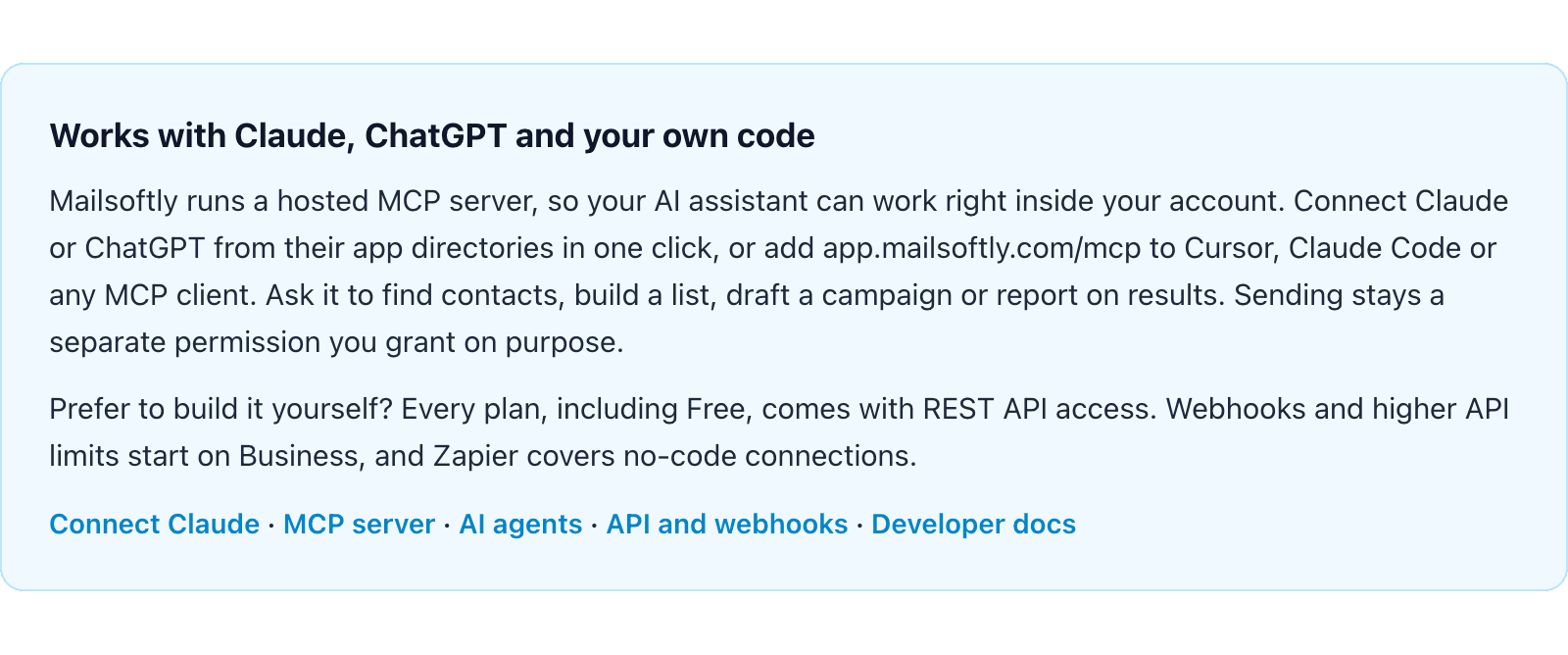
Mailsoftly runs a hosted MCP server, so your AI assistant can work right inside your account. Connect Claude from the Claude directory or ChatGPT from the ChatGPT plugin directory, or add app.mailsoftly.com/mcp to Cursor, Claude Code or any MCP client. Ask it to find contacts, build a list, draft a campaign or report on results. Sending stays a separate permission you grant on purpose.
Prefer to build it yourself? Every plan, including Free, comes with REST API access. Webhooks and higher API limits start on Business, and Zapier covers no-code connections.
Connect Claude · Connect ChatGPT · MCP server · AI agents · API and webhooks · Developer docs
Ready to switch?Start free with Mailsoftly →
500 contacts, 2,000 emails per month. Free hands-on migration. No credit card.
Looking for an alternative?
Mailsoftly offers the features you need at a price that makes sense.
Switch to MailsoftlyFree migration on paid plans